(and hotkey wizards too)
Tmux with browsers, for VS Code and Standalone
Soft as a mouse, sharp as a tmux. A real tiling layout for terminals and browser embeds. Do it all with the mouse, or keep your hands on the keyboard with tmux keybinds.
Inside VS Code it follows your theme exactly - hard to tell it isn't built in. Standalone, it's a Tauri app that starts in a blink. Same features in both places.
Push notifications you can self-host
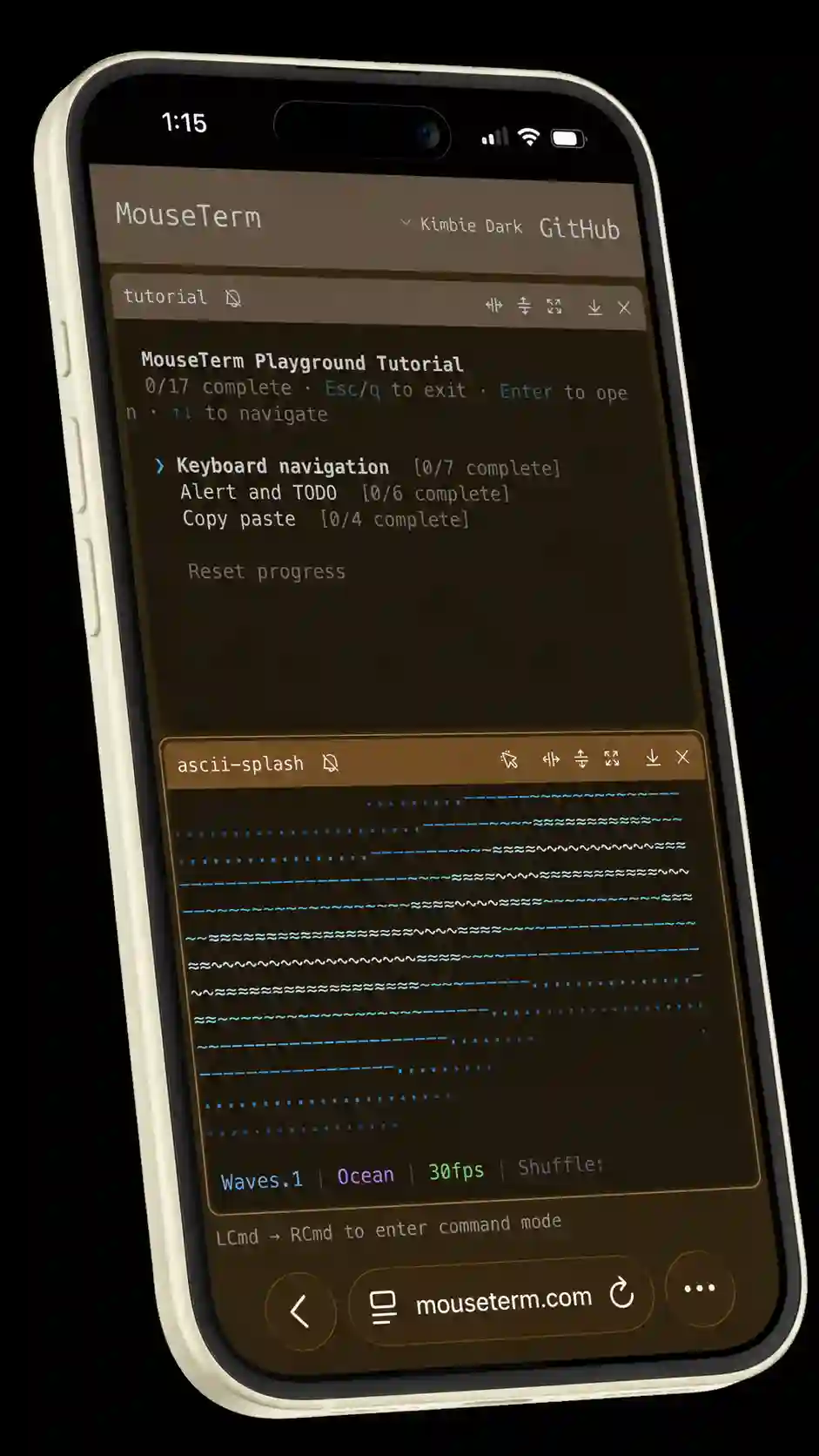
Your agent hits a permission prompt four minutes after you leave, then sits there until you get back. Dormouse already knows that pane is asking for a human — so it buzzes your phone. A real push notification, delivered by Apple or Google, to an app that's completely closed.
Then you answer it. Tap the terminal and a radial menu opens under your thumb: drag down-right for y, up-right for n, or out to Esc, Ctrl+C, and a quit menu. One drag and the agent's moving again. No keyboard, no squinting.
The relay is one Node process. No database — state is JSON on disk, and push keys mint themselves on first boot. Put tailscale serve in front of it and you're done: no account, no cloud dependency, nothing anyone can shut off. Your laptop decides which phones get notified — the server isn't allowed to choose for it. The self-host runbook walks the whole install.
Dormouse Pocket is in development — try the phone interface in your browser, and sign up there to hear when it's ready.
Terminals that know their ports
Six panes running and something's serving :3000. Which one?
Right-click a pane and Dormouse lists the ports that pane's process tree is actually listening on — hit a number to open one. No lsof, no scrolling back to find where Vite printed the URL.
Browsers for you (and your agents)
A browser is just another pane. Park your dev server next to the terminal that's running it — same tiling layout, same keybinds, no alt-tab and no second monitor.
dor ab open surface:2 aims a browser at the port that terminal is serving — the one from the section above. Your agents run the same command, so when an agent wants to see what it just built, it opens a pane you're already watching. Pop it out to a real OS window when you need the real thing.
Dormouse drives the agent-browser you already have installed — it doesn't ship a browser of its own.
Select and copy-paste like you meant
Click and drag in a "mouse conformant" terminal doesn't select text; it fires escape code \e[<0;x;yM at whatever's running. Dormouse notices when a TUI has grabbed the mouse and hands you a one-click override, so you can just — select the thing.
Then copy it the way you meant it. Raw keeps the hard wraps; Rewrapped joins them back into the line the program actually printed. Tap e mid-drag to snap the selection out to the whole URL or file path.
Get Dormouse
A dormouse knows when to wake up. Multitasking terminal for mice and thumbs.
Try it in the Playground
VS Code Extension
Also works in Cursor, Windsurf, Antigravity, or any other VS Code fork.
Standalone App
Don't settle for your operating system's built-in terminal. Get a nice one.